
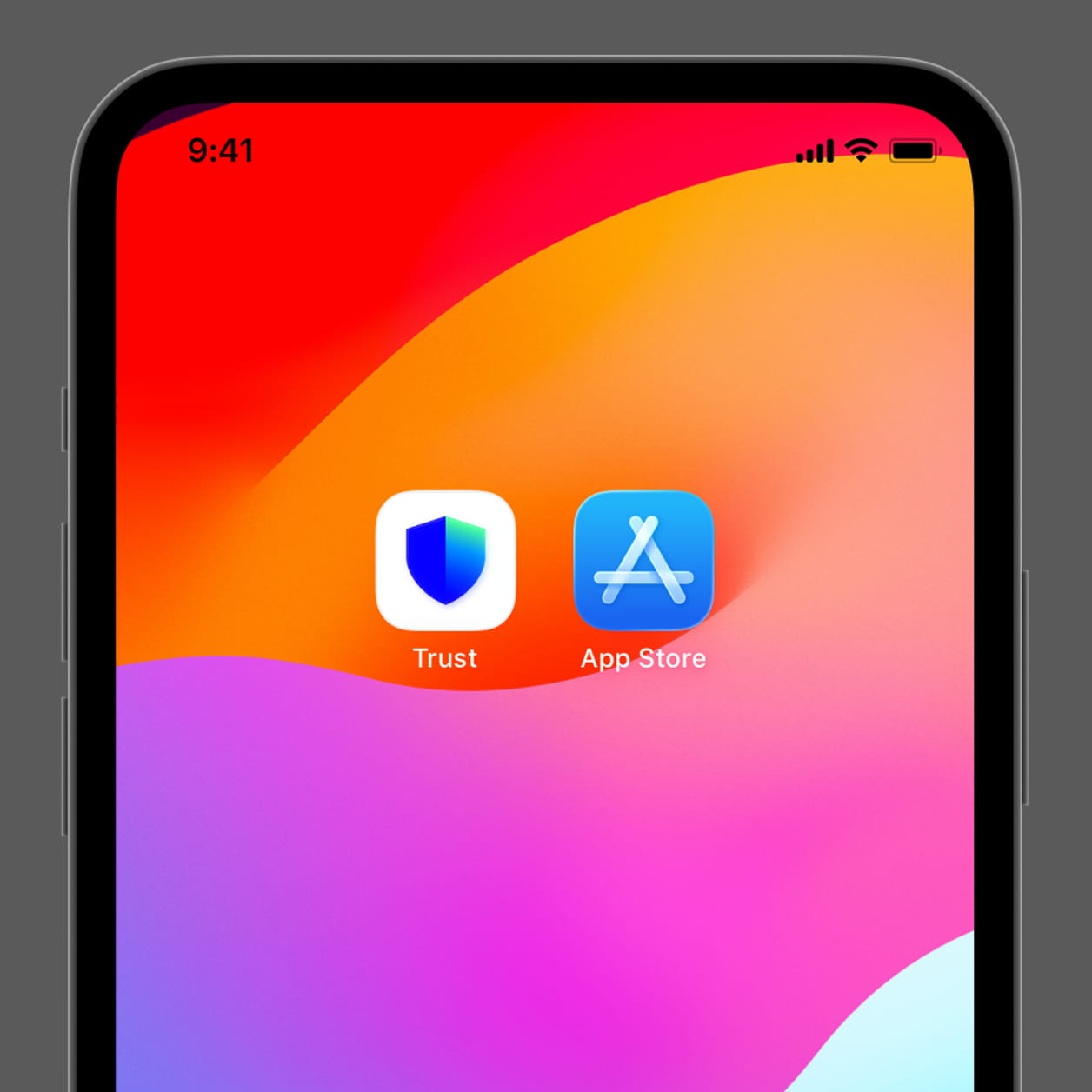
Скачайте приложение Trust Wallet из App Store (iOS) или Google Play (Android).
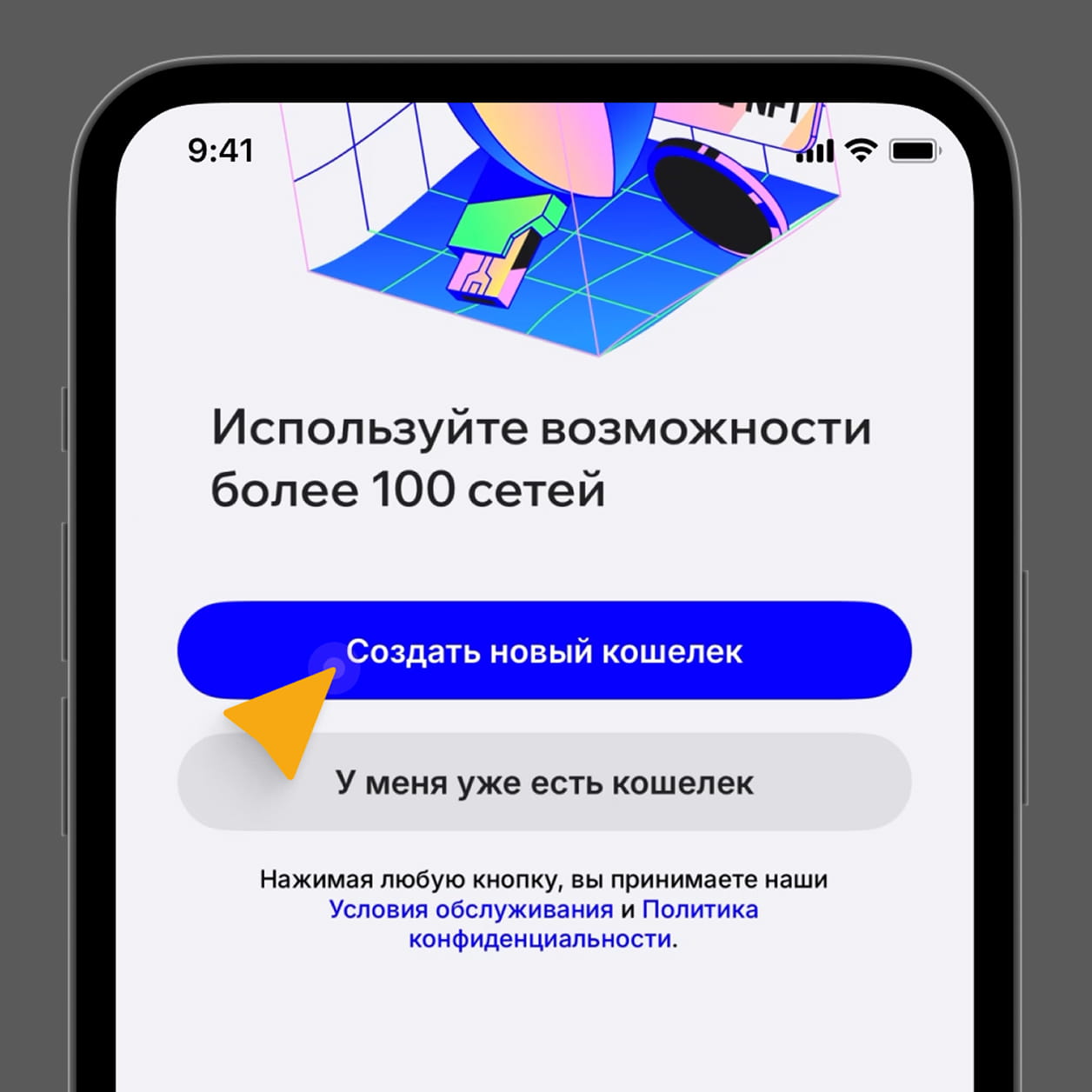
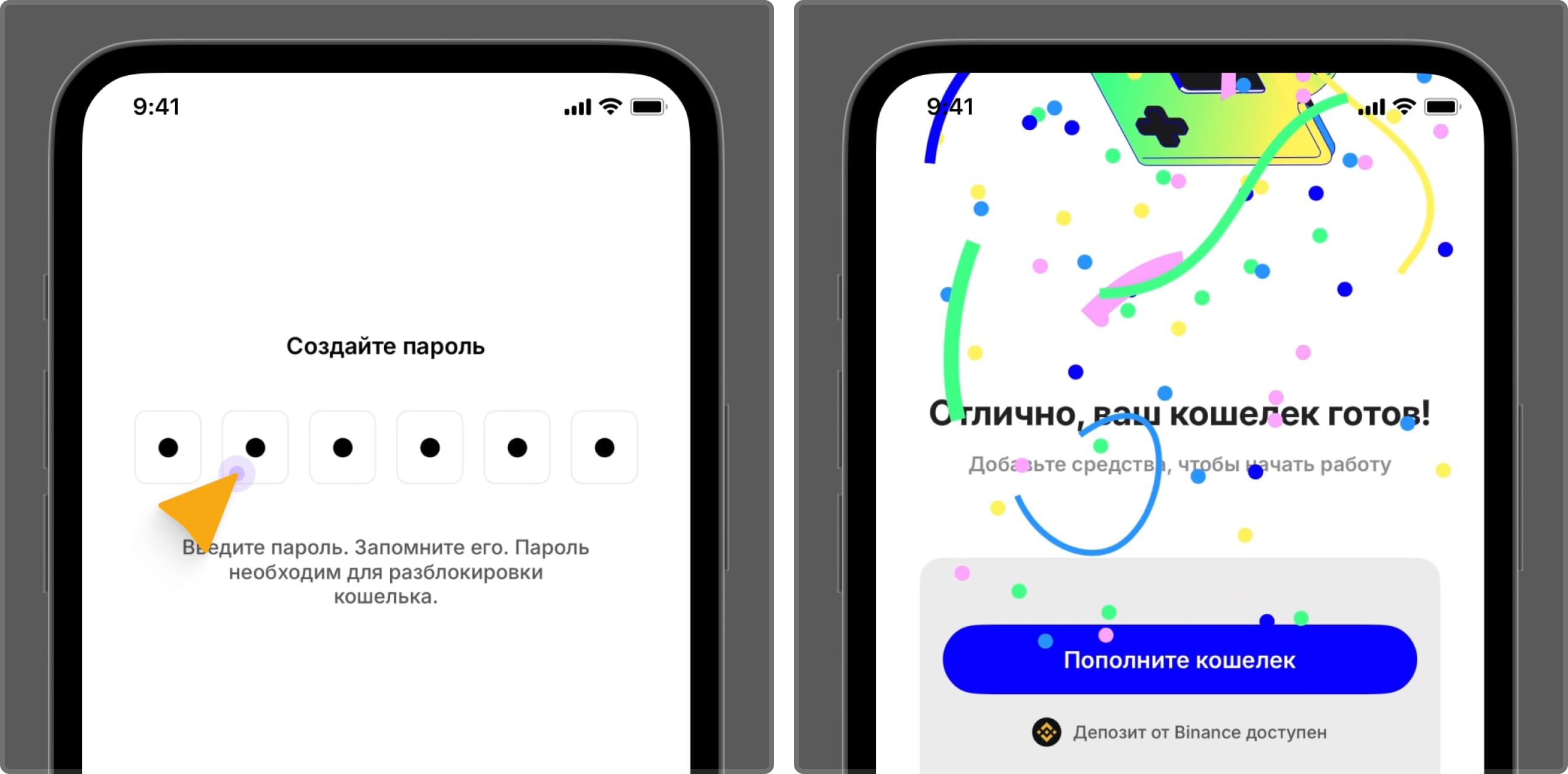
Откройте приложение → Нажмите “Создать новый кошелёк (Create New Wallet). Придумайте пароль, подтвердите его. При желании подключите FaceID.
Готово! Кошелек создан. Теперь нужно получить сид-фразу и потвердить ее.
Сид-фраза из 12 или 24 слов – это своего рода главный «ключ» от вашего криптокошелька. Она нужна для полного восстановления доступа ко всем вашим деньгам: если вы потеряете телефон или забудете пароль, по этой фразе можно открыть кошелёк на новом устройстве и вернуть всё своё.
Перейдите в раздел “Кошельки” → Создать резервную копию → Получите Сид-фразу и подтвердите её. Cохраните сид-фразу (Recovery Phrase) – это 12 слов, которые приложение сгенерирует для восстановления доступа. Запишите на бумагу (2 копии), храните офлайн. Никому не передавайте.
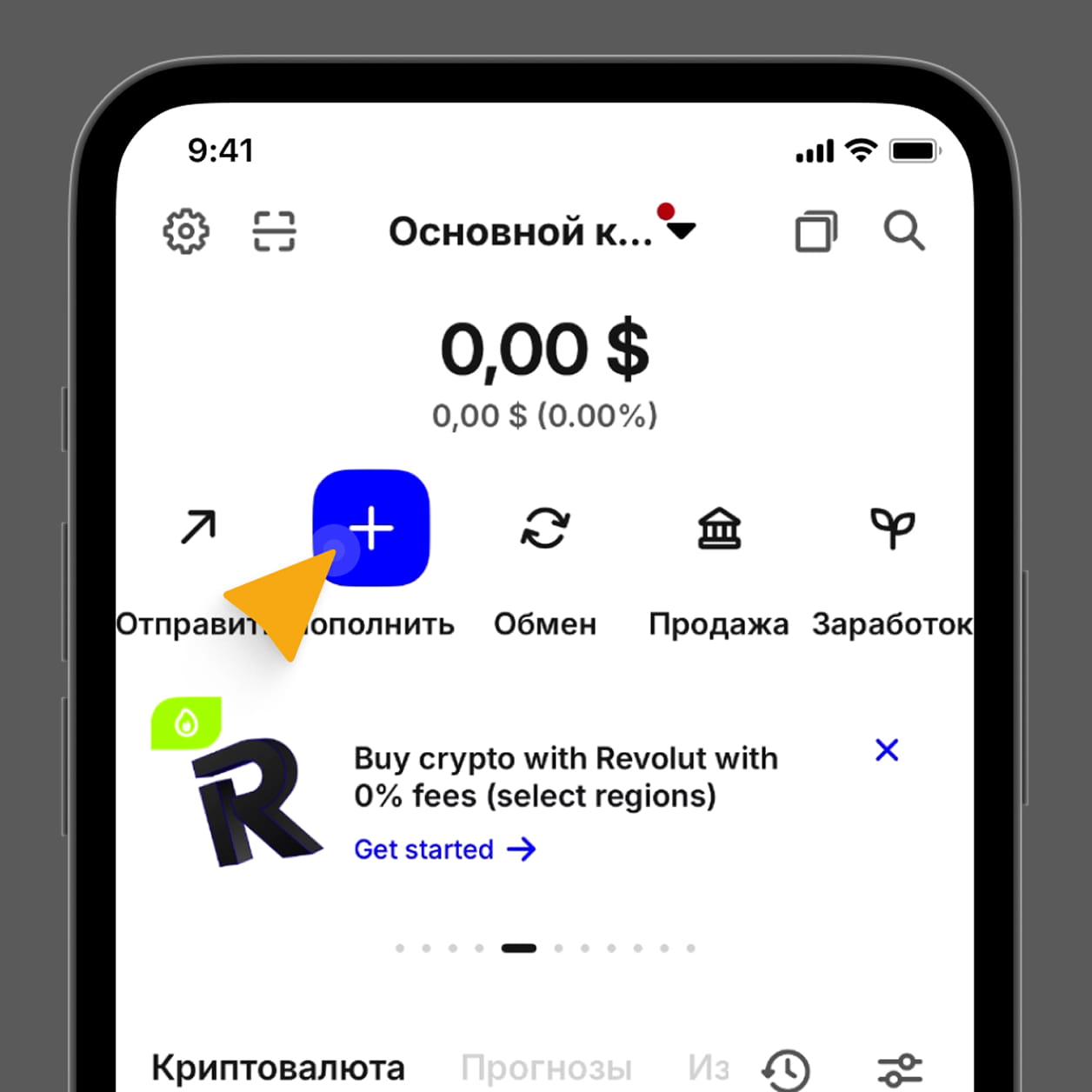
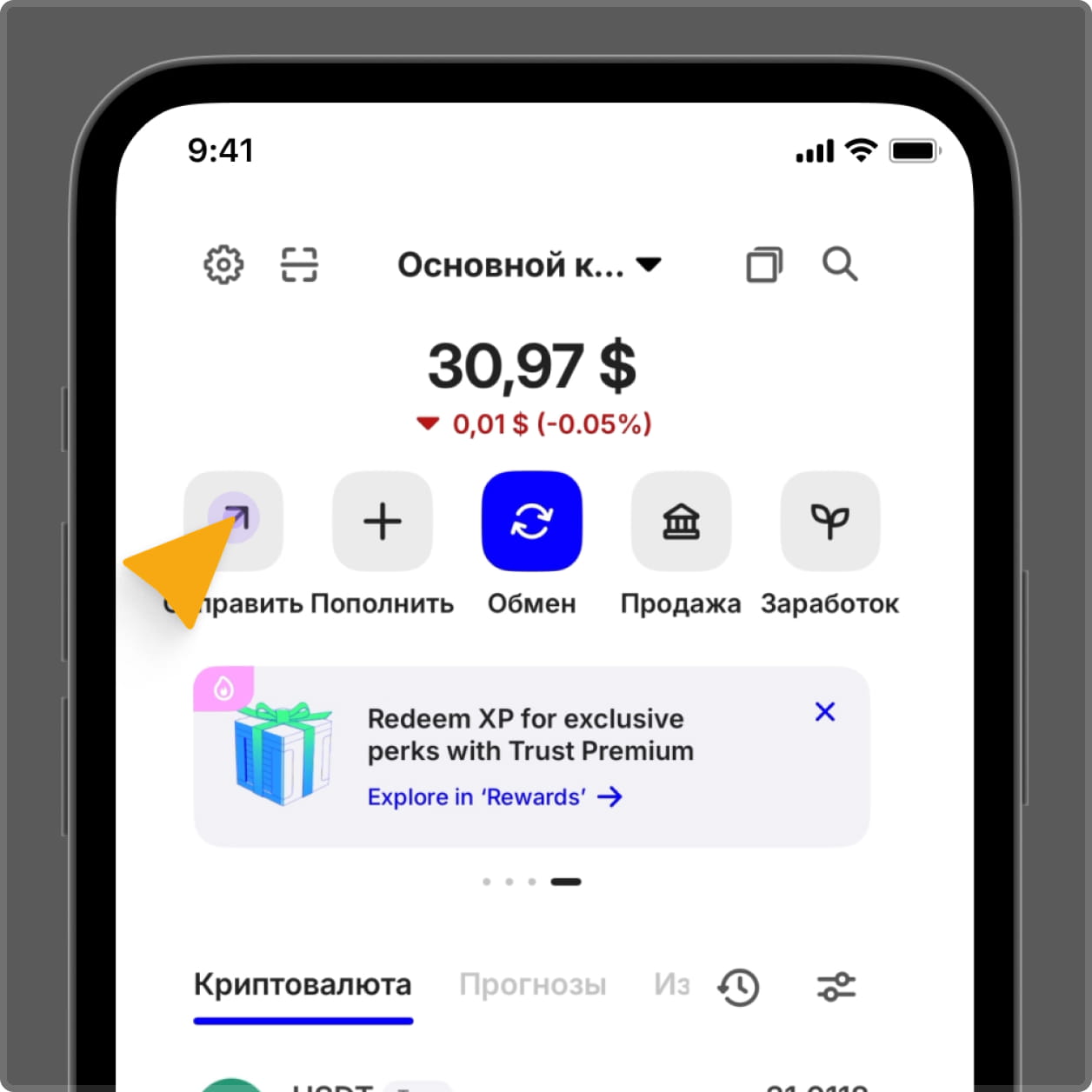
Теперь вы увидите главный экран с балансом. Ваш кошелек не привязан к имени, телефону или паспорту – контроль только у вас.